
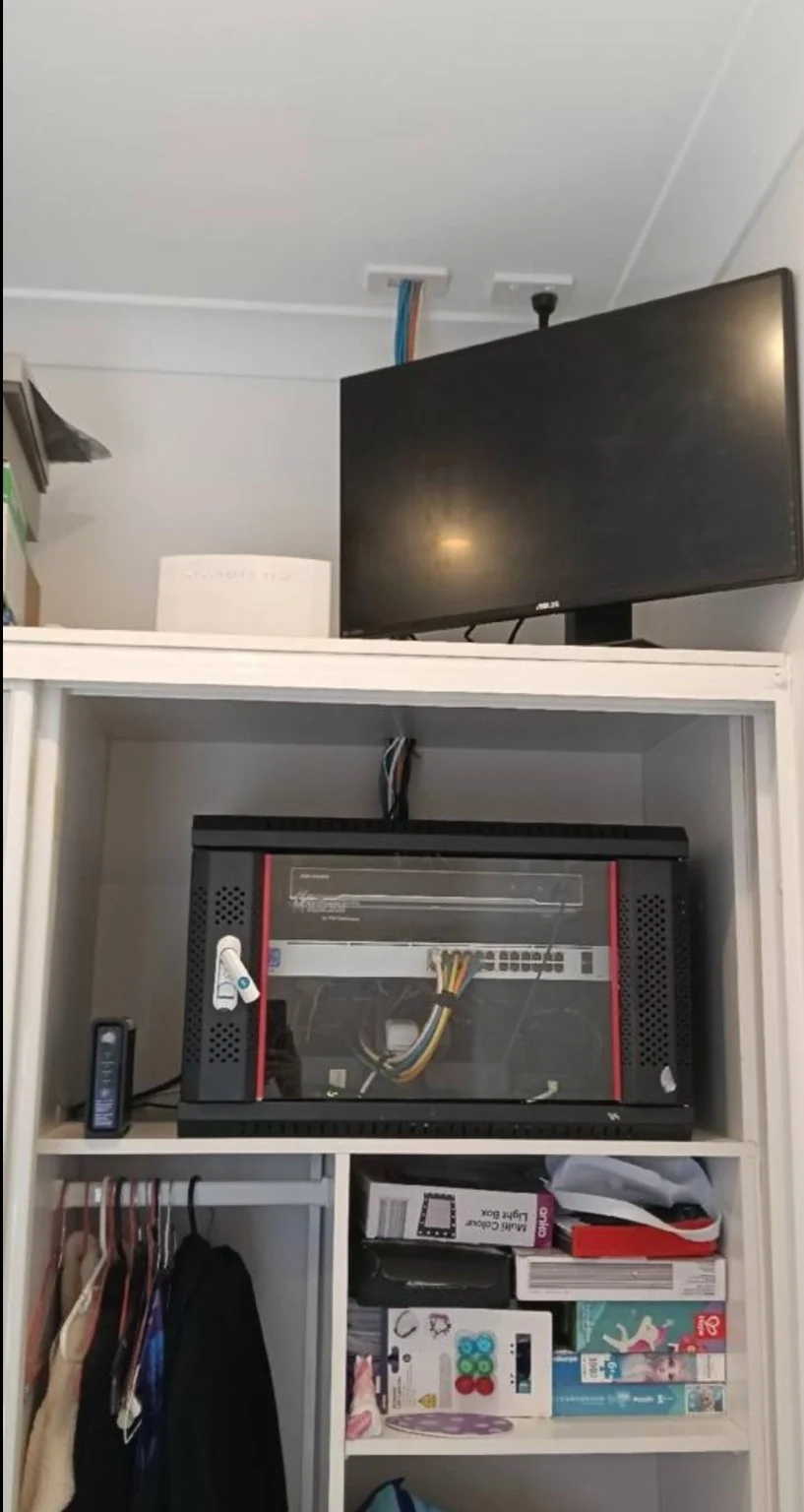
A connection that works beside the router but struggles in the bedroom is frustrating. Before replacing your modem or changing plans, work out where the problem starts. These observations give a technician something useful to investigate and can help avoid buying equipment that does not address the cause.
1. Compare more than one device
Try the same task on another phone, laptop or tablet in the same room. If only one device struggles, check that device’s software, Wi-Fi connection and power-saving settings. If several devices fail in the same area, coverage or interference may be involved. Note whether you are seeing a weak signal, buffering or a complete disconnection.
2. Test close to the router
Repeat the test near the router, then in the problem room. Where suitable equipment is available, compare a wired Ethernet connection as well. This does not diagnose every fault, but it helps distinguish a room-by-room wireless issue from a problem that affects the whole connection.
3. Look at the router’s position
A router hidden in a cupboard, tucked behind a TV or placed at one end of the property may not provide the coverage you need. A more central, open position can help. Avoid moving the nbn connection equipment yourself; the practical options depend on your connection type and existing cabling.
4. Think about the layout
Walls, distance, multiple floors and nearby interference can affect wireless performance. A mesh system or additional access point may be appropriate, but it still needs careful placement and a suitable connection back to the network. Adding more devices without checking the layout can leave the original problem unresolved.
5. Keep a short fault diary
Write down the affected rooms, devices and times. Note whether the router lights change or other devices lose connection at the same moment. If the entire service is affected, check your provider’s outage information and contact its support team. Internal cabling and equipment issues can then be considered separately.
Need help around Sydney?
Send Marc your suburb, router model and a brief description of the dead spots. Photos of the router location and a simple sketch of the room layout can help plan a useful visit.
Further reading: nbn: Why your Wi-Fi router matters.