
A tidy TV installation begins before the first fixing goes into the wall. The screen, bracket, wall structure and connected equipment all need to work together. Taking a few photos and gathering the model details early makes the quoting conversation much easier.
Choose the position from the seat
Think about where you actually watch television, the distance to the screen and glare from windows. Mark a rough outline with removable tape and sit in your usual position. A wall location that looks good while standing may feel too high once you are seated. The final position should suit the room and the people using it.
Check the exact model and bracket
Screen size alone is not enough to confirm compatibility. The TV’s weight, mounting pattern and manufacturer’s instructions matter, as do the bracket’s limits and the wall construction. Tell the installer if you already own a bracket and provide its model or a clear photo of the label.
Plan where every cable will go
List your soundbar, streaming device, game console, antenna and any other equipment. Consider how their cables will reach the screen and how you will access the connections later. Concealed cabling depends on the wall, cable specification and available pathway. A neat finish should still leave equipment serviceable.
Remember power and ventilation
AV cable concealment and fixed electrical work are separate parts of the job. New power points require a licensed electrician. Equipment also needs the clearances and ventilation specified by its manufacturer. Do not assume a tight cavity is suitable for a connection box, amplifier or streaming device.
Think ahead for special installations
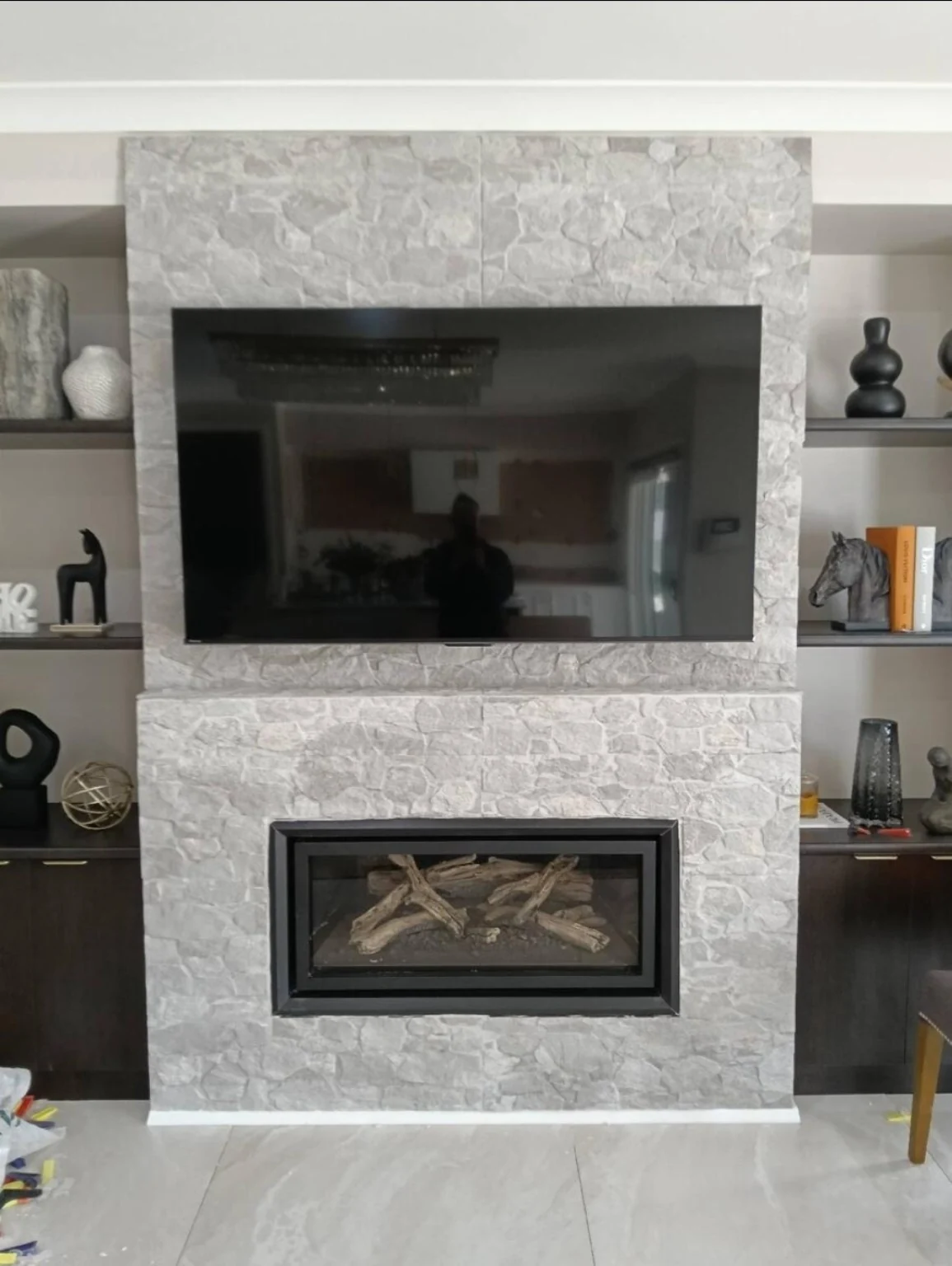
TVs over fireplaces, slim mounts and models with separate connection boxes need extra planning. Check the product instructions and any heat or clearance restrictions. For Samsung models with a One Connect Box, the external devices connect to the box, so its location and cable path should be planned together.
Send a useful quote request
Include the TV model, screen size, bracket details, a full-wall photo and nearby power and data points. Mention rental or strata approval requirements. Marc can then discuss the position, finish and access before confirming the scope.
Product reference: Samsung Australia: connecting external devices. Always use the instructions for your exact model.